
Problem calls: how to find them without listening to recordings
· Updated
A sales manager has more calls than time to listen to them. Picking what to listen to at random means missing what matters: a lost deal, a complaint, a script violation. Problem calls should be found automatically and shown together with the reason to open them.
Why spot-checking does not find the problem
A sample is random: a problem call is as likely to be in it as an ordinary one. A manager spends an hour on good conversations, and the bad one stays unheard until the customer calls with a complaint. The order should be different: first the conversations where something went wrong, then the rest.
Leksta checks every call against your criteria, as described in the article on checking all calls, and highlights the ones that need attention.
How the list of calls that need attention works
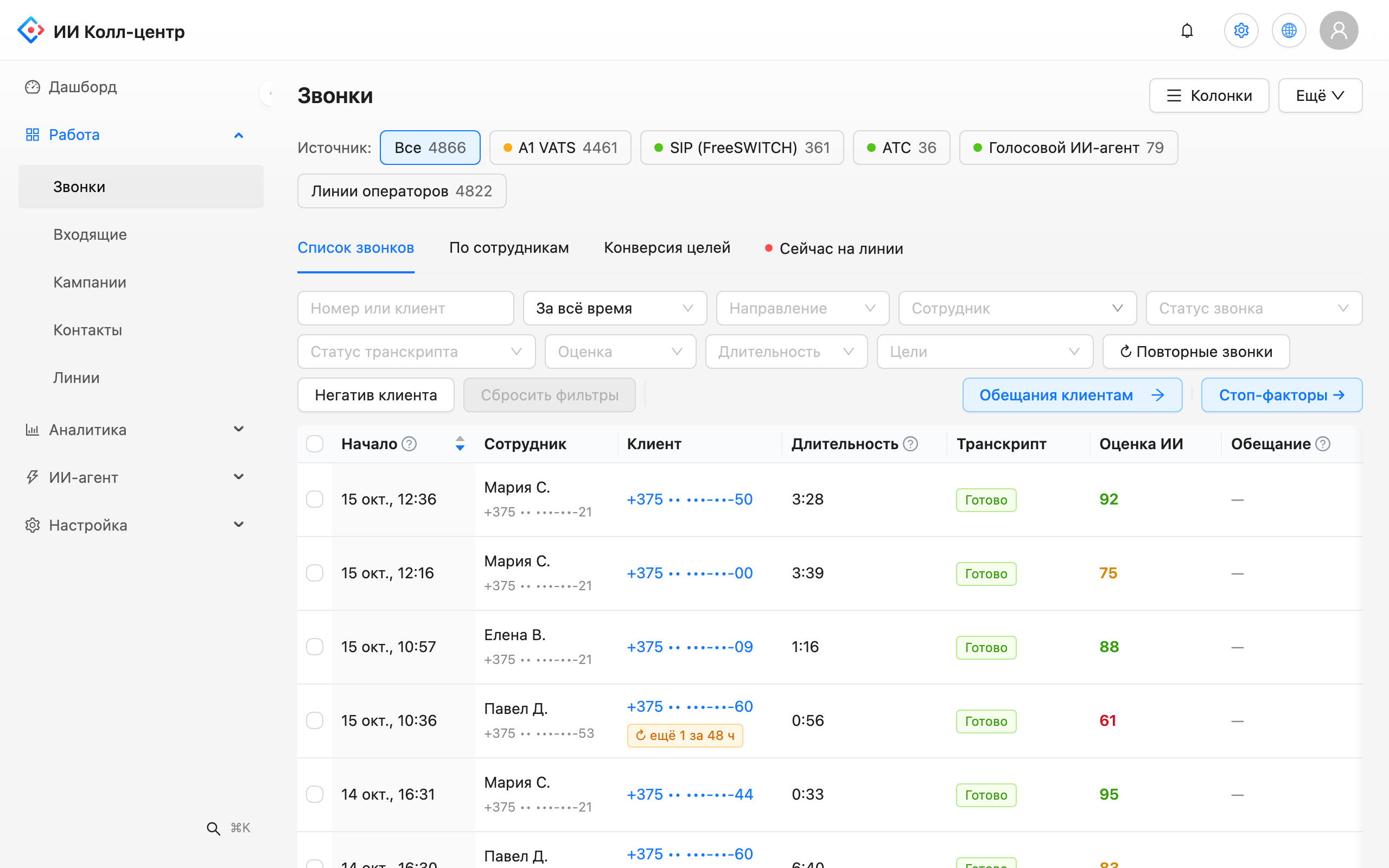
- A colored marker. Every call in the list has a red, amber or grey indicator. The reasons it entered the queue are shown next to it.
- A review queue. The "Need attention" tab in the "Quality control" section collects such calls in one list. A manager starts the day with it.
- Saved filters. Recurring selections, such as "red calls of one rep this week", are saved and open in one click.
- One section. Problem calls, reviews and the check of AI scores against manual ones live together in "Quality control".
What to do with a call from the queue
Open the call card. The transcript reads like a chat, and the customer mood chart over the conversation shows where dissatisfaction grew. Pauses longer than three seconds are marked on the timeline so you can see where the conversation stalled. Then there are three options: run a review with the rep or create a task. How to run a review is in the article on call review for sales reps.
An event for your system
If you want to react to a problem call at once, connect a webhook: when a call enters the queue, Leksta sends a event to your system. From it you can start a notification or create a task in your own tools. Other integrations are on the integrations page.
What you get
- A day that starts with a list. No need to search for what to listen to: the queue is ready.
- A reason for every call. You see right away why to open this one.
- A fast reaction. The event in your system reports the problem while the customer is still being worked with.
- Less manual listening. Time goes to calls where your decision is needed.
An overview is on the call quality control page.
Try Leksta free
Want to see the list of calls that need attention on your own recordings? Try Leksta: 14 days and 120 call minutes free, no card. Upload recordings, and Leksta shows which calls to open first.
FAQ
How do I find problem calls without listening to every recording?
It is a list of calls a manager should open first. Each call has a colored marker and the reasons it was added to the list. The queue is in the "Needs attention" tab of the "Quality control" section, a convenient place to start the working day.
How do I get notifications about problem calls in my own system?
Connect a webhook: when a call enters the list of calls that need attention, Leksta sends a event to your system's address. You can create tasks or send notifications in your own tools without checking the list by hand.
Can I save a selection of problem calls and open it every day?
Yes. Set up filters, for example by rep, period and attention level, and save the selection. It appears among saved filters, and a manager opens the needed list in one click without rebuilding the filter.