

How to review sales reps' calls with AI
· Updated
A call review with a rep usually starts with searching: which call to take, where the mistake is, what exactly to say. That takes longer than the conversation itself. As a result a supervisor manages to review only some of the calls, and the rest get no feedback. A call review speeds up when AI prepares a draft and the supervisor adds the score and the decision.
How a review works in Leksta
- Choose the calls. One review holds from one to ten calls of a rep.
- Get the draft. The AI proposes a score and comments for each call, with links to moments in the recording.
- Add and send. The supervisor edits the draft, adds their own score and sends the review to the rep.
- The rep replies. They acknowledge they have read it or ask a question in the discussion under the review.
- The senior shift sees the same thing. The senior of the shift opens the same review and knows what the rep is working on.
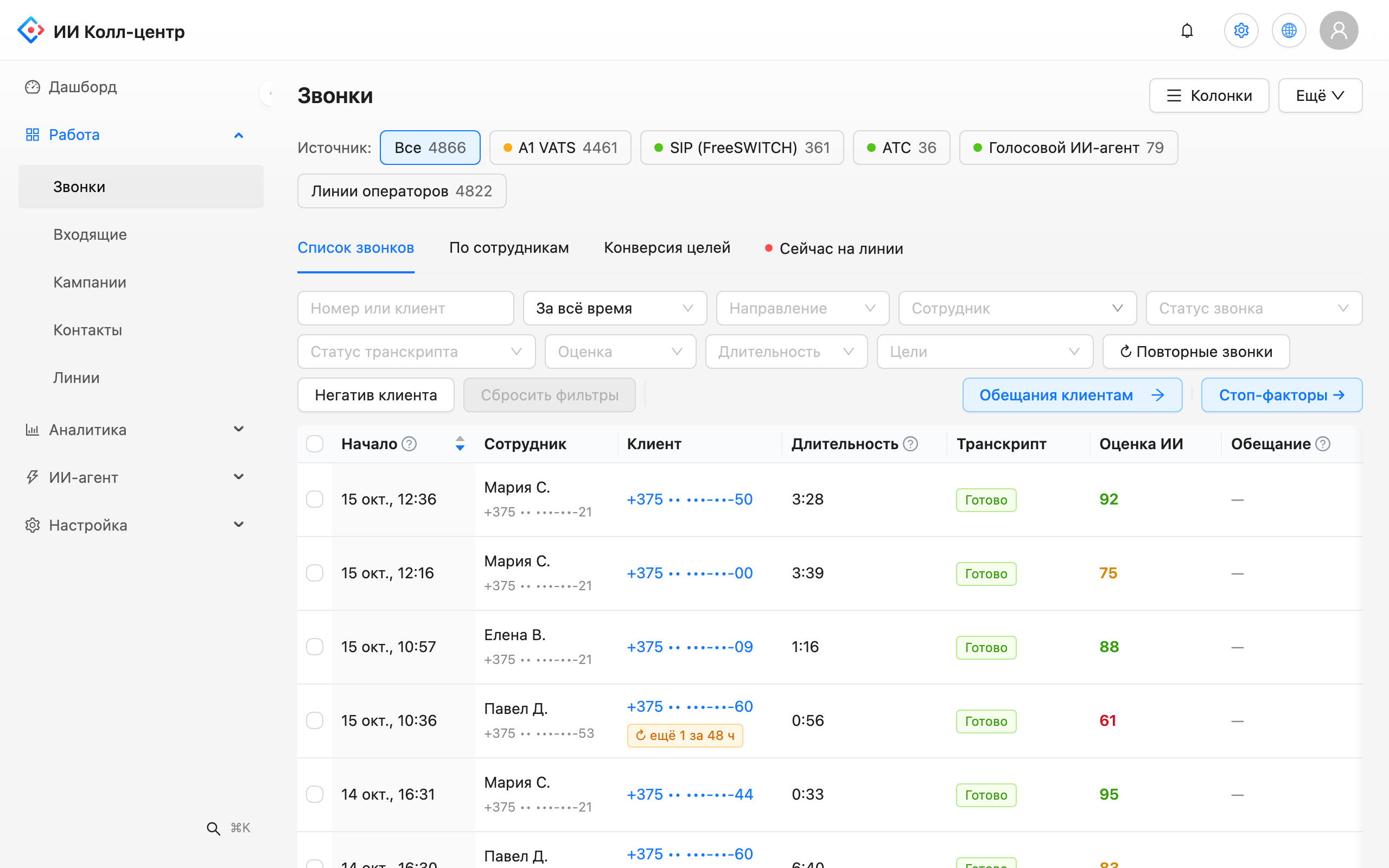
Feedback stays in one place in Leksta: not in private messages and not at the stand-up, but where both the call and the discussion are visible.
Coaching moments: where exactly the rep slipped
To avoid listening to a whole call, use coaching moments. Leksta shows the exact places in conversations where the score for a scorecard criterion is below 50 out of 100. Each place has a quote and a button that creates a task in one click. The supervisor opens the moment, listens for a few seconds and tells the rep what to change.
Checking AI scores against the supervisor
A review is trusted when AI and supervisors score alike. Leksta has calibration for that: it compares AI scores with manual scores by criterion and by reviewer. A gap on one criterion is a reason to clarify its wording. A gap with one reviewer is a reason to discuss the approach in the team.
When the scorecard changes
Business changes, and so does the scorecard. After edits you can rescore past calls: Leksta will rescore up to 5,000 calls over a period of up to 93 days in one run and shows the average score before and after. The supervisor sees how the change affected the scores and compares periods by the same criteria.
What you get
- A quick review. The draft and quotes are ready before the conversation with the rep.
- Specific feedback. The rep sees the exact moment and a quote, not general words.
- One picture for the supervisor and the senior of the shift.
- Trust in scores. Calibration shows where AI and people score differently.
How to build criteria is in call quality scorecard. Rep metrics are on the rep evaluation by calls page.
Try Leksta free
Want to run your first review on your own calls? Try Leksta: 14 days and 120 call minutes free, no card. Upload recordings, choose a rep's calls and get a review draft.
FAQ
How many calls should one review include?
One review in Leksta holds from one to ten calls of a rep. For a first review three to five is enough: pick different situations, such as a good call, a call with an objection and a call where the customer left without a decision. The rep then sees both strengths and growth points.
How does a rep respond to a review?
The rep opens the review in Leksta, acknowledges that they have read it or asks a question in the discussion under the review. The supervisor answers there. The whole thread stays next to the calls and quotes, so it is easy to return to at the next meeting.
How do I find coaching places in calls without listening to whole recordings?
Open coaching moments: Leksta shows places where the score for a scorecard criterion is below 50 out of 100, with a quote from the conversation. Listen to a few seconds of the recording and create a task for the rep in one click. You do not need to listen to the whole call.