
Consent before calling
A row without consent is skipped and marked. Uploading a list does not bypass this rule.
Personalised reminders from a list, the same tone on every call and a full record for audit. Your team handles disputes and promises to pay.
Already a customer? Log in
Updated
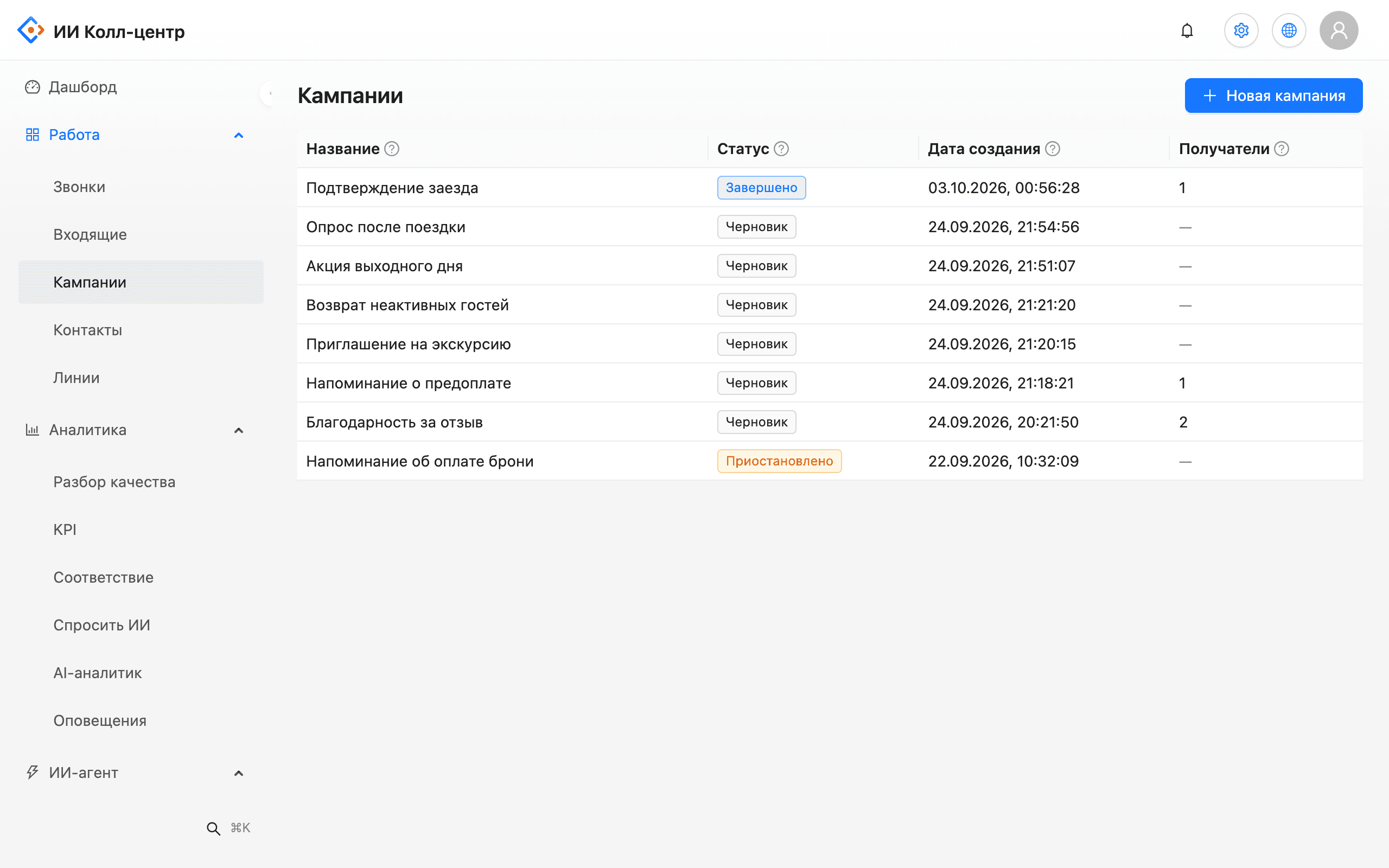
The bot calls customers from an uploaded list, greets them by name, states the amount and due date and asks them to press a key to confirm they received the notice. Every call is recorded, transcribed and checked against a scorecard. It never dials numbers without consent or on the do-not-call list, and it passes disputed cases to a person.
The list is uploaded as a file: phone, name, amount, due date and any other columns become script variables. Numbers are checked before launch and bad rows are rejected with a reason. The campaign runs only in the set window and pauses itself when the minute budget runs out.
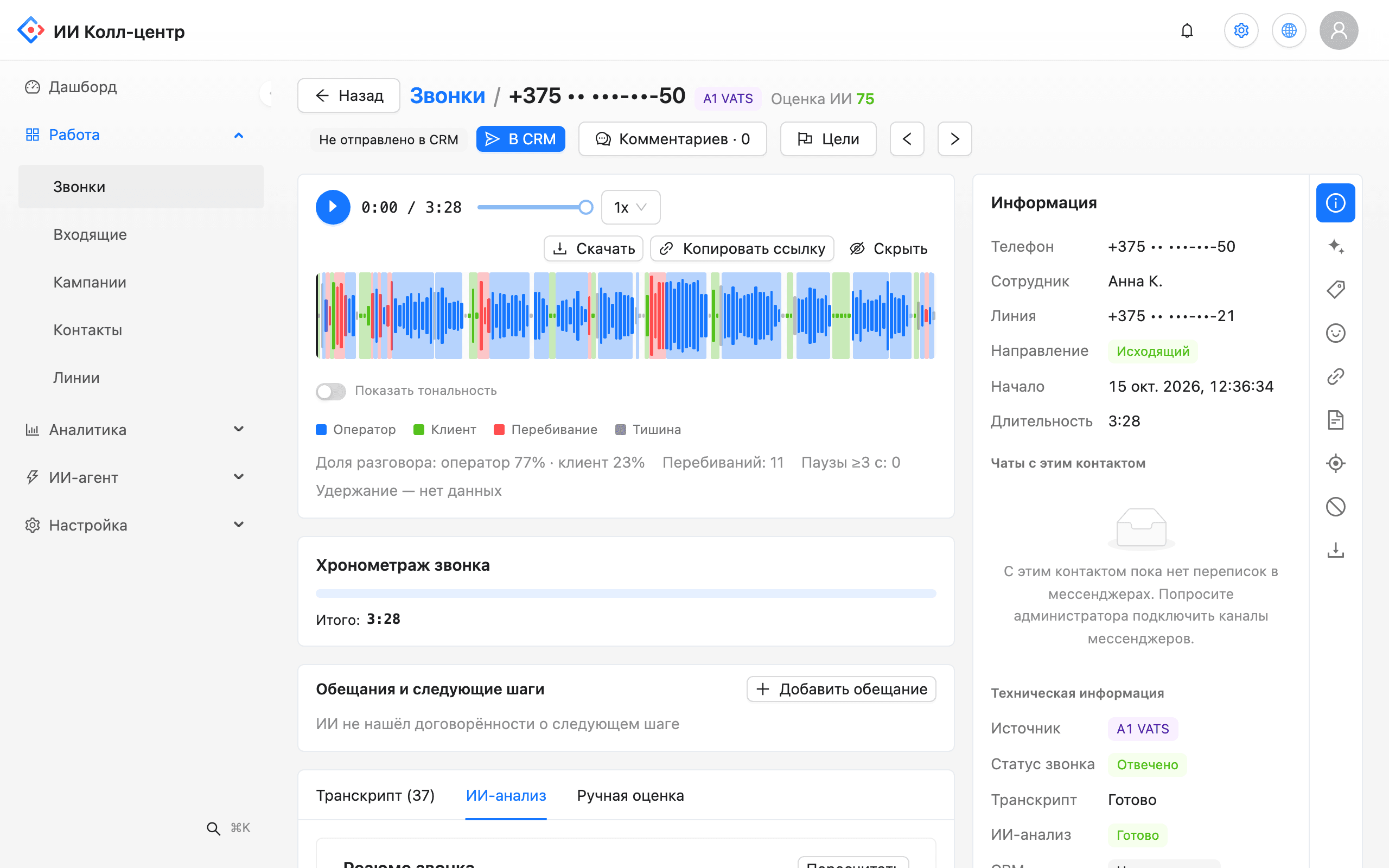
The bot's and the customer's voices are recorded on separate channels, and each call is transcribed and scored against your checklist. Managers see script deviations, banned words and refusal reasons with a quote and a link to the exact second of the recording.
A row without consent is skipped and marked. Uploading a list does not bypass this rule.
Pressing “9” adds the number to the do-not-call list immediately and permanently. Only an admin can lift it, and the action is logged.
The calling window and time zone are set per campaign. Outside the window the call is postponed.
Every customer hears the same text; deviations show up in the scorecard.
Separate tracks for bot and customer make disputed calls easier to review.
If the customer disputes the amount or asks for a person, the bot hands over under your rules.
Problem. Customers miss payments by forgetting, and manual calling takes all day.
What the AI does. The bot calls a few days ahead with a personalised reminder and asks for confirmation.
Outcome. Staff call only those who did not answer or asked to be contacted.
Problem. Many customers need the same notice, in the same tone, quickly.
What the AI does. A campaign on the arrears list with retries in permitted hours and every call recorded.
Outcome. Every customer got the same notice and the outcome is visible per row.
Problem. Managers hear only a small share of calls and learn about violations from complaints.
What the AI does. Speech analytics scores every staff call against a checklist and spots banned words.
Outcome. Script violations show up in the report on the day of the call.
The pilot runs on part of the list so you can compare it with manual calling.
List fields, reminder text, retry rules and handoff rules.
Mark who has given consent and upload numbers on the do-not-call list.
Window, time zone and pauses between attempts, agreed with your lawyer.
The bot calls, you listen to recordings and refine the text.
Look at connect rate, confirmations and handoffs to staff.
Requirements depend on the country and the type of debt. We do not give legal opinions: agree consent rules, calling hours and script text with your lawyer during the pilot. The console helps you follow them with consent tracking, do-not-call, calling windows and an audit log.
Only within the window set for the campaign, in the customer's time zone. The default is daytime hours, and you can change it in settings.
The bot states the amount and due date and asks the customer to press a key to confirm they received the notice. The result is saved on the call record and in the API.
Yes. Every call is recorded on two channels, transcribed and scored. Telling the customer about the recording is the company's duty and is part of the script.
The bot says only the text you approved. Scorecards and the banned-word dictionary reveal deviations by human staff.
The bot hands the call to a staff member under your rules or logs a callback request.
Yes. Speech analytics scores any recording from your PBX, not only bot conversations.
We will demo a payment reminder and outline the pilot steps.